How to Choose a Photo for a Personalized Gift: A Simple Checklist
· CaptivMart
Choose a sharp, well-lit photo at least 1500 pixels on the long side, with the face or subject filling most of the frame. Crop tighter for small items like keychains and tags, keep text short, and skip heavy filters. Every CaptivMart order gets a proof, so you can check the photo before anything is printed.
What makes a photo good for printing on a gift?
Sharpness, light and size. The eyes should be in focus, the subject should be lit by daylight or a bright room, and the file should be at least 1500 pixels on the long side. A photo can look fine on a phone screen and still be too small for a 9×12 panel, so the personalizer warns you if your photo is too small for the size you picked. When in doubt, send the original file from your phone rather than a screenshot or a photo saved from social media, which are usually compressed.
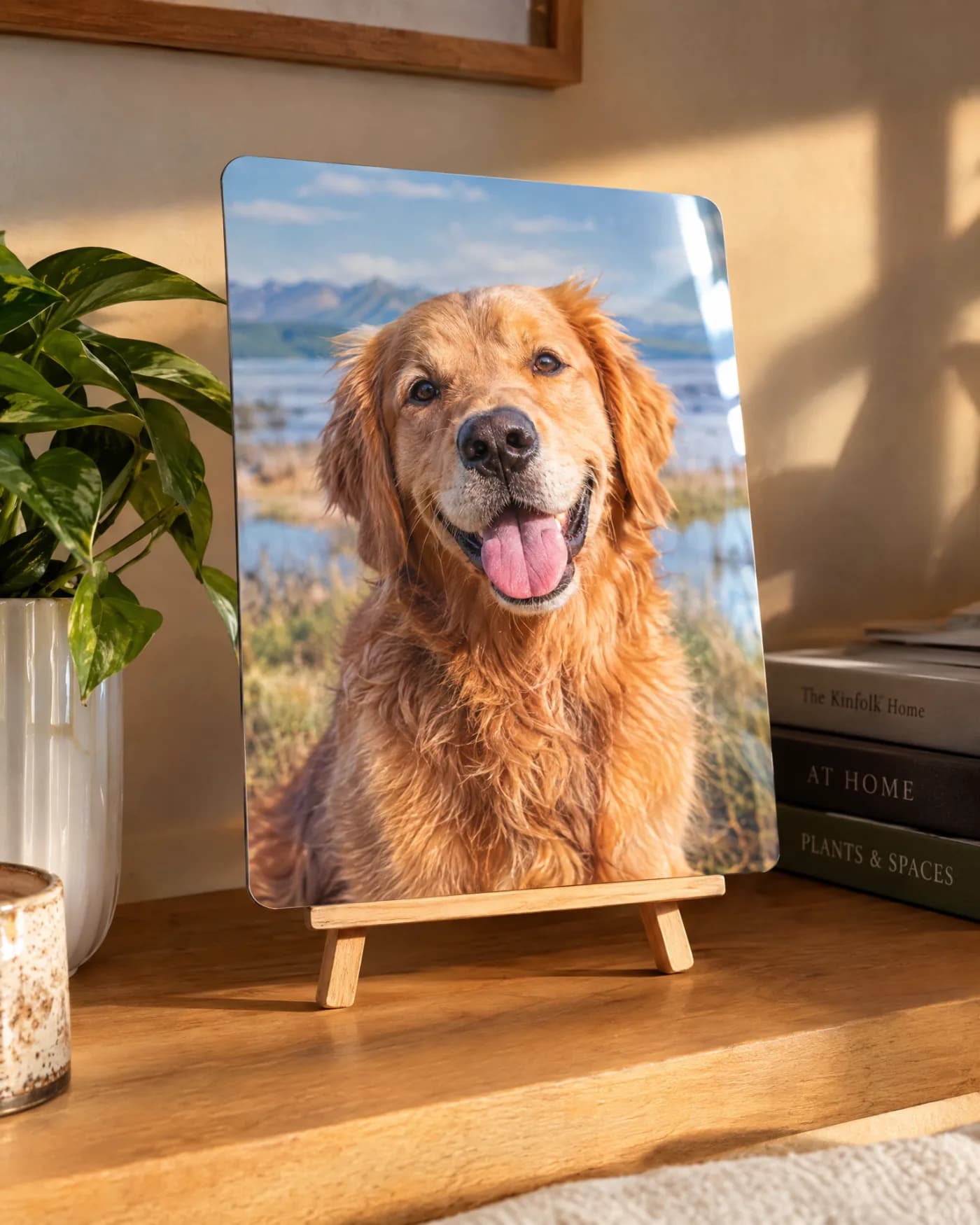
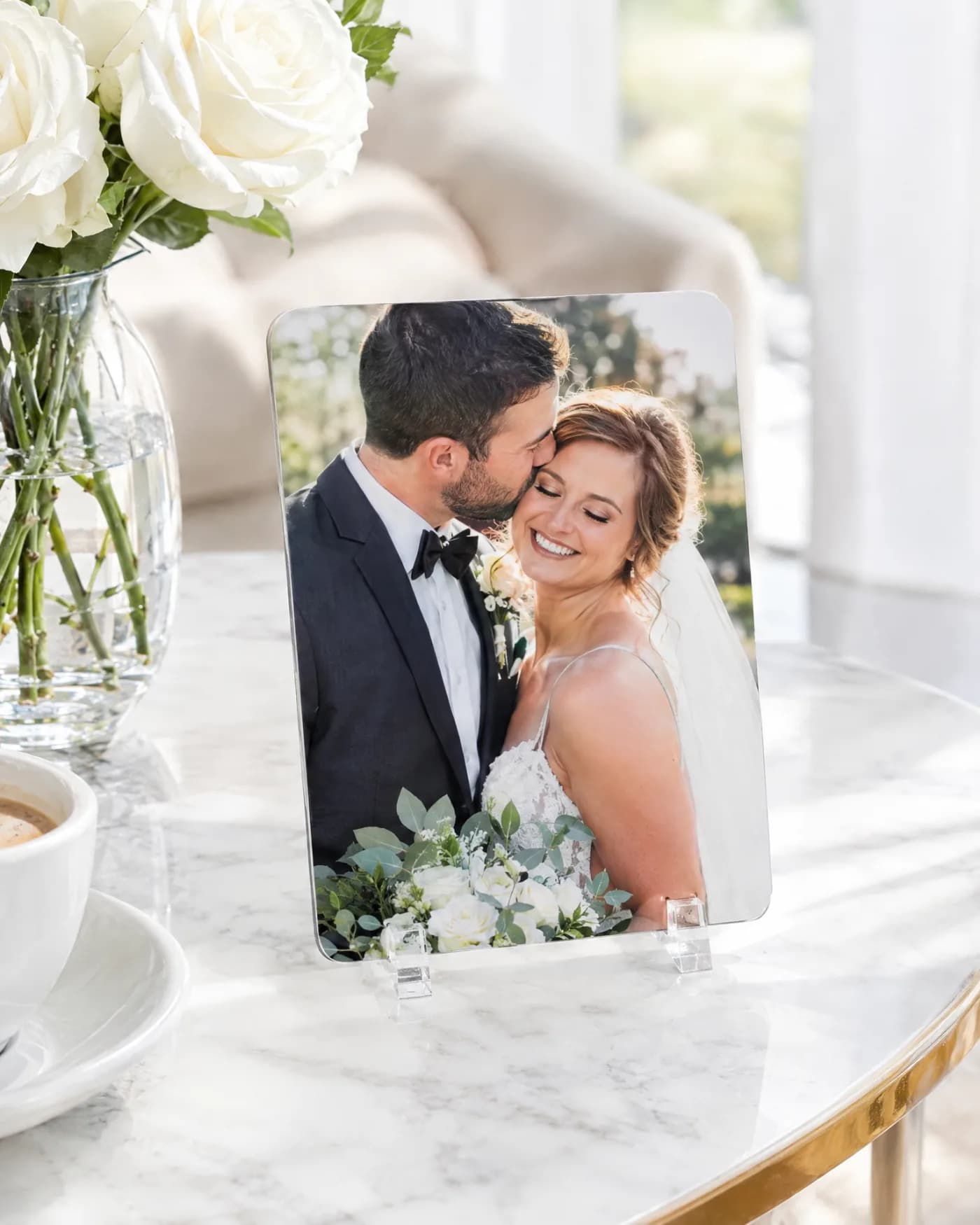
How should I crop a photo for small items?
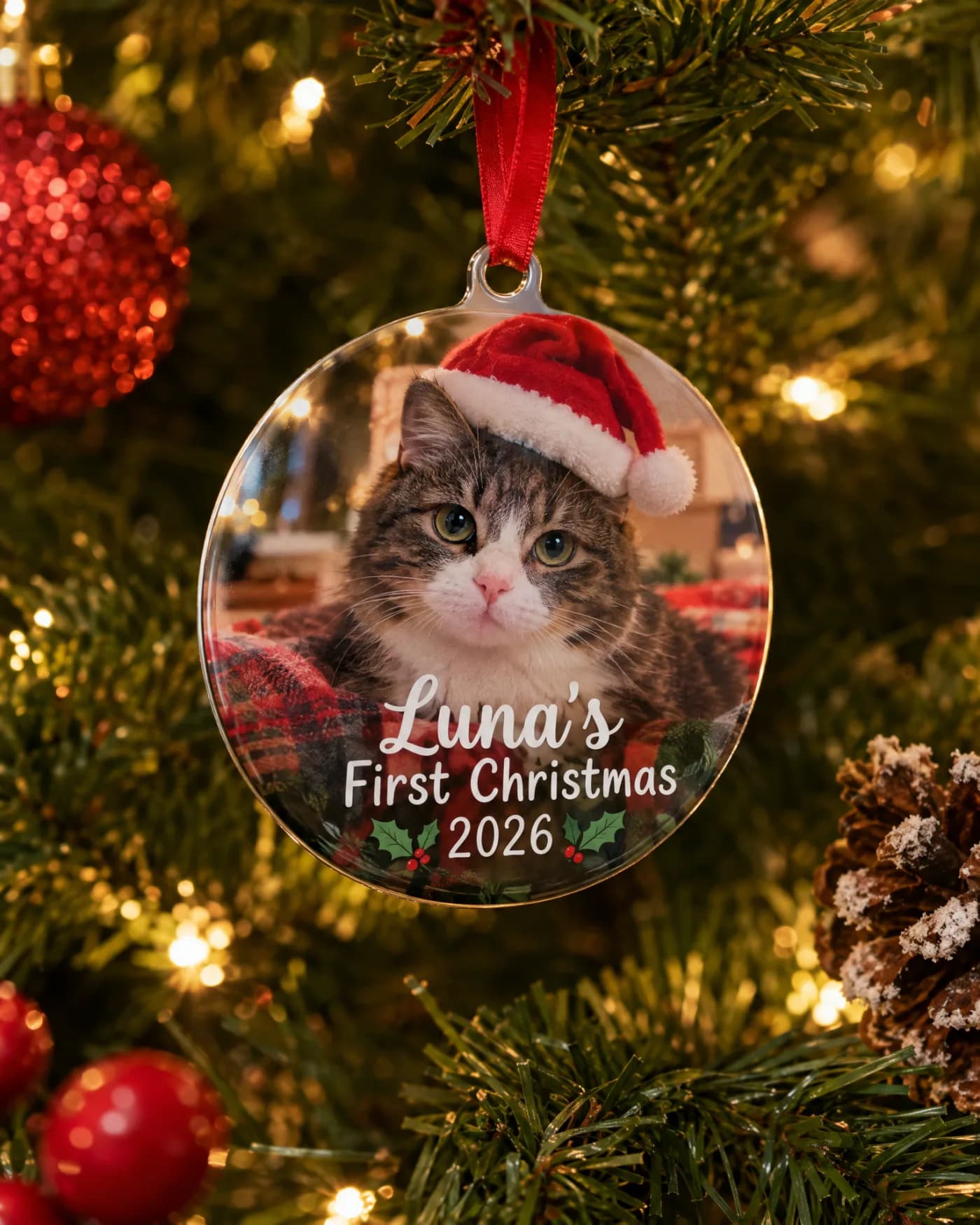
Crop to the face. A keychain is about 1.5 by 2 inches, a dog tag is 1.4 by 1.2 inches, and a round ornament is 3 inches across, so a full-body photo of a person or pet becomes too small to read. Close-ups work best on these pieces. Save wider scenes, like a family on a beach or a car in a parking lot, for a 9×12 panel or a 12×18 wall print.
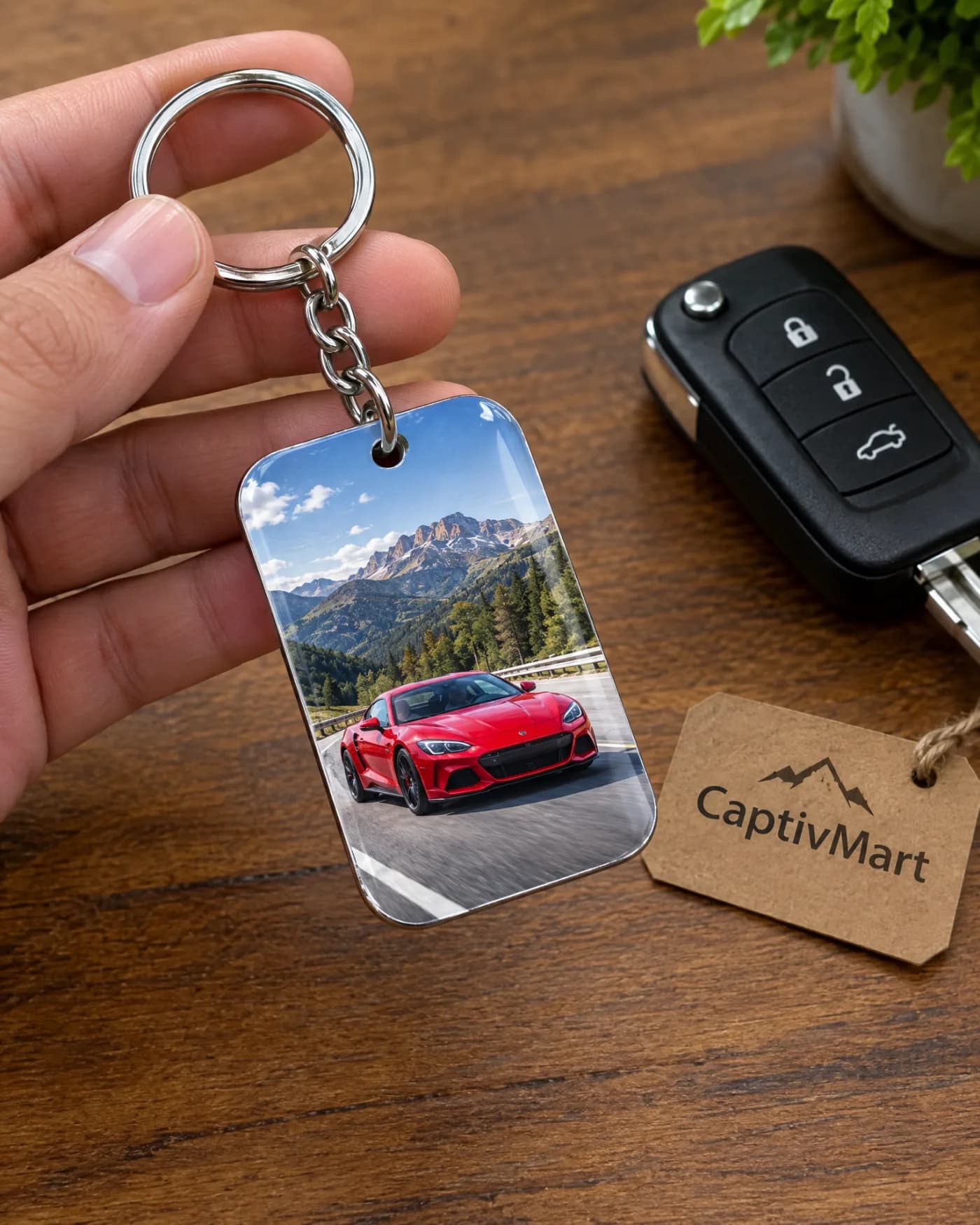
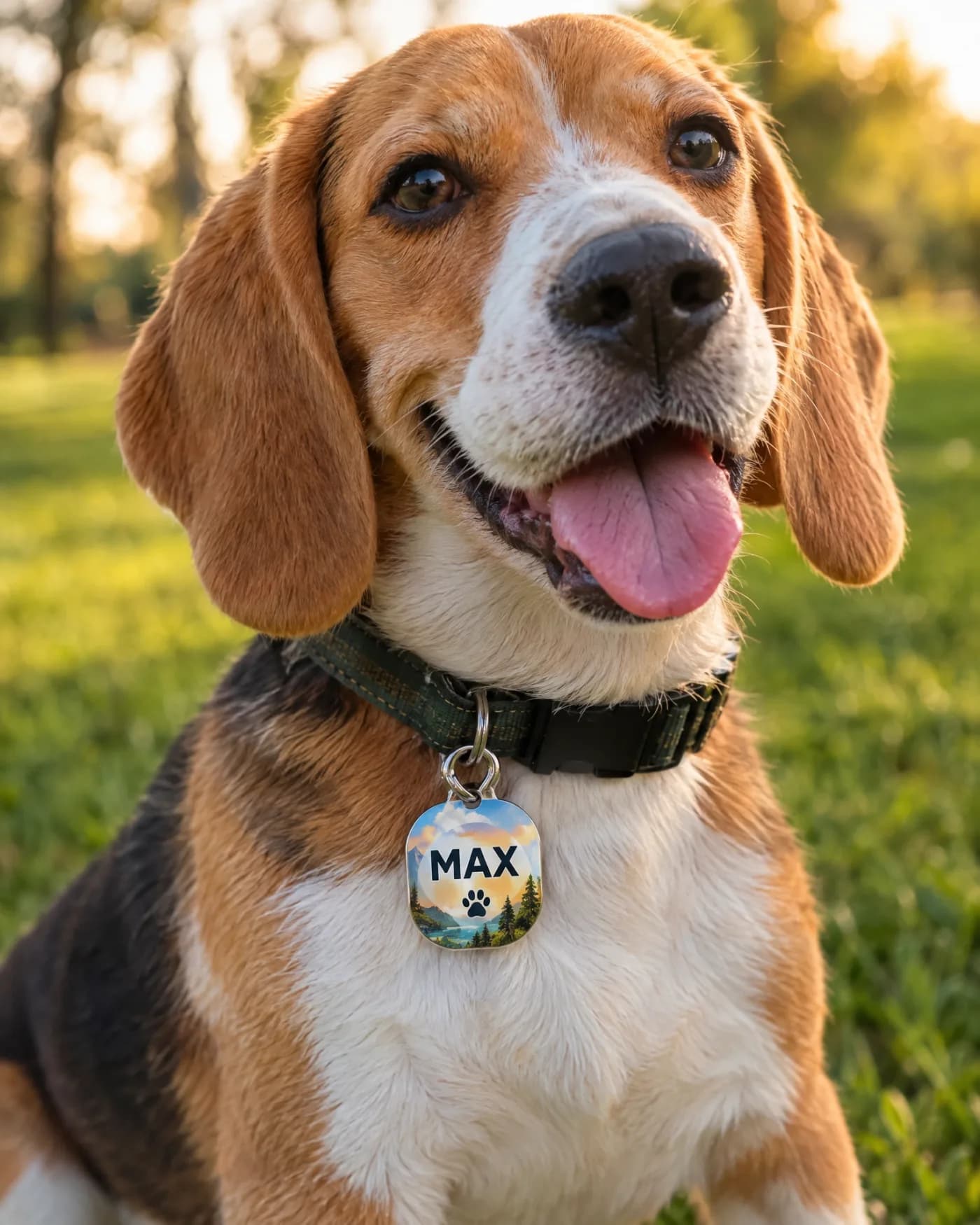
Which photos work best for pets?
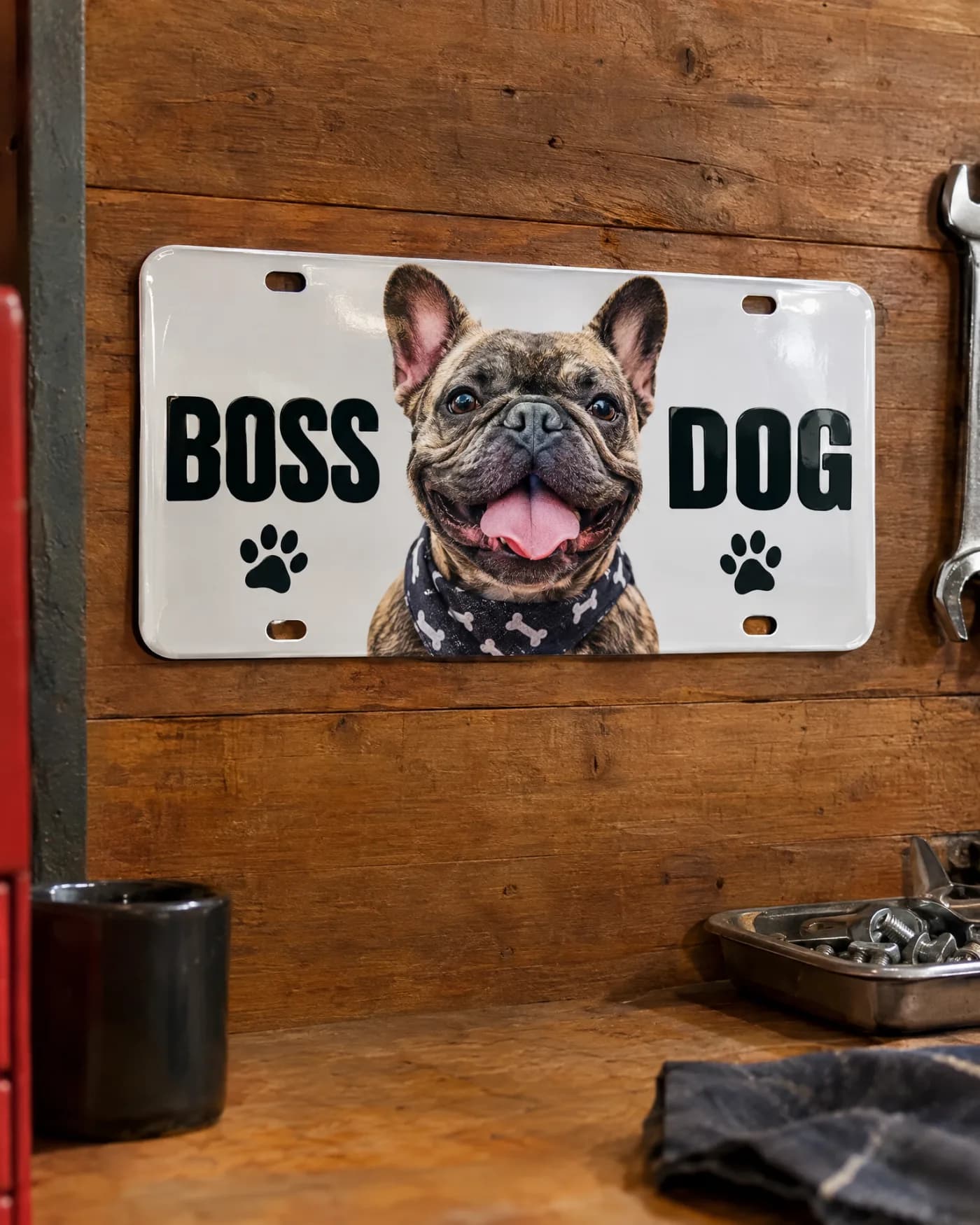
Get down to the pet's eye level, use window light, and catch the moment just after they look at you. Dark-coated dogs and black cats need more light than you expect, or the face turns into a dark shape in print. Avoid photos where the pet is behind a fence, blurred mid-movement, or wearing a strong colour cast from indoor lights.
Which photos work best for cars?
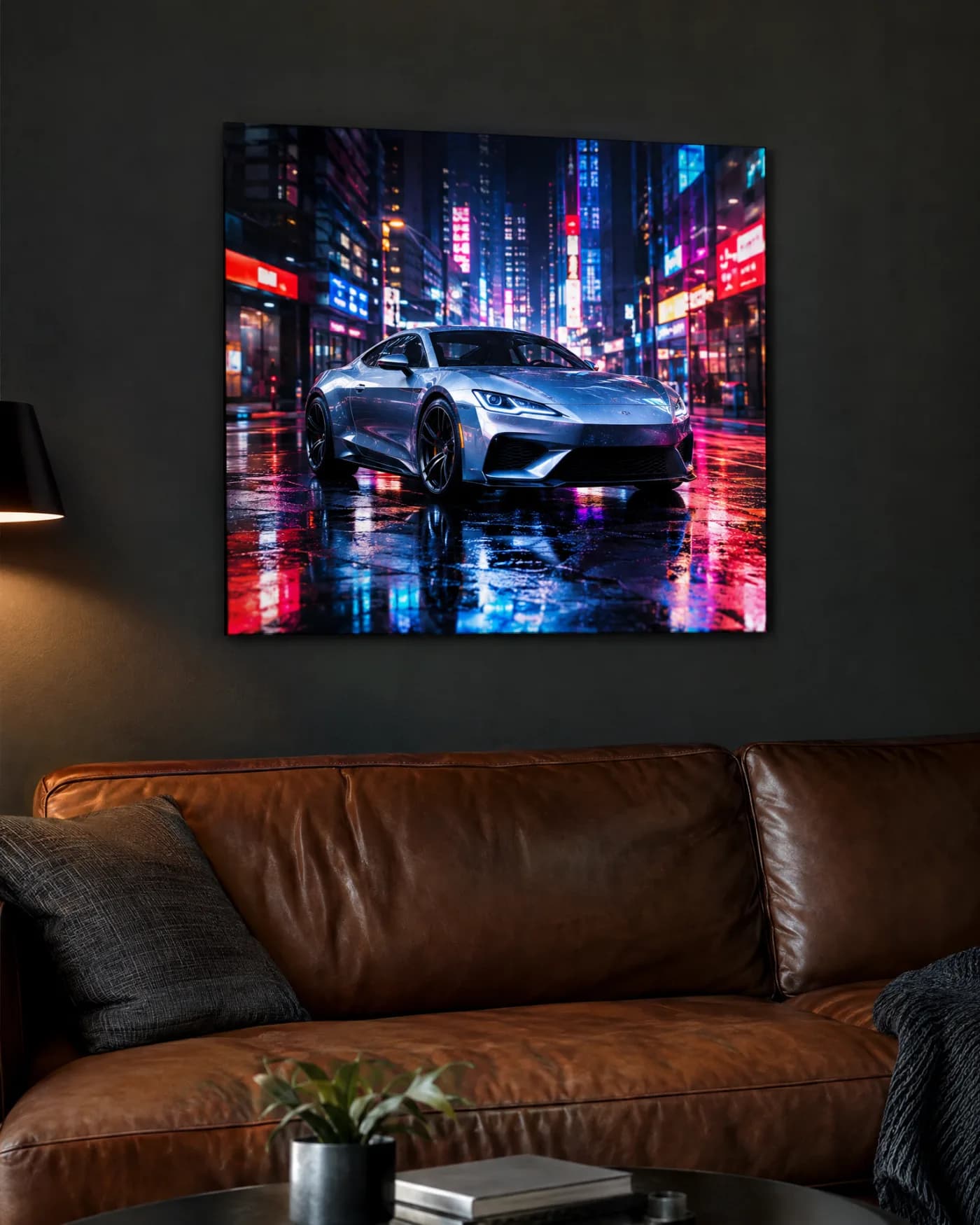
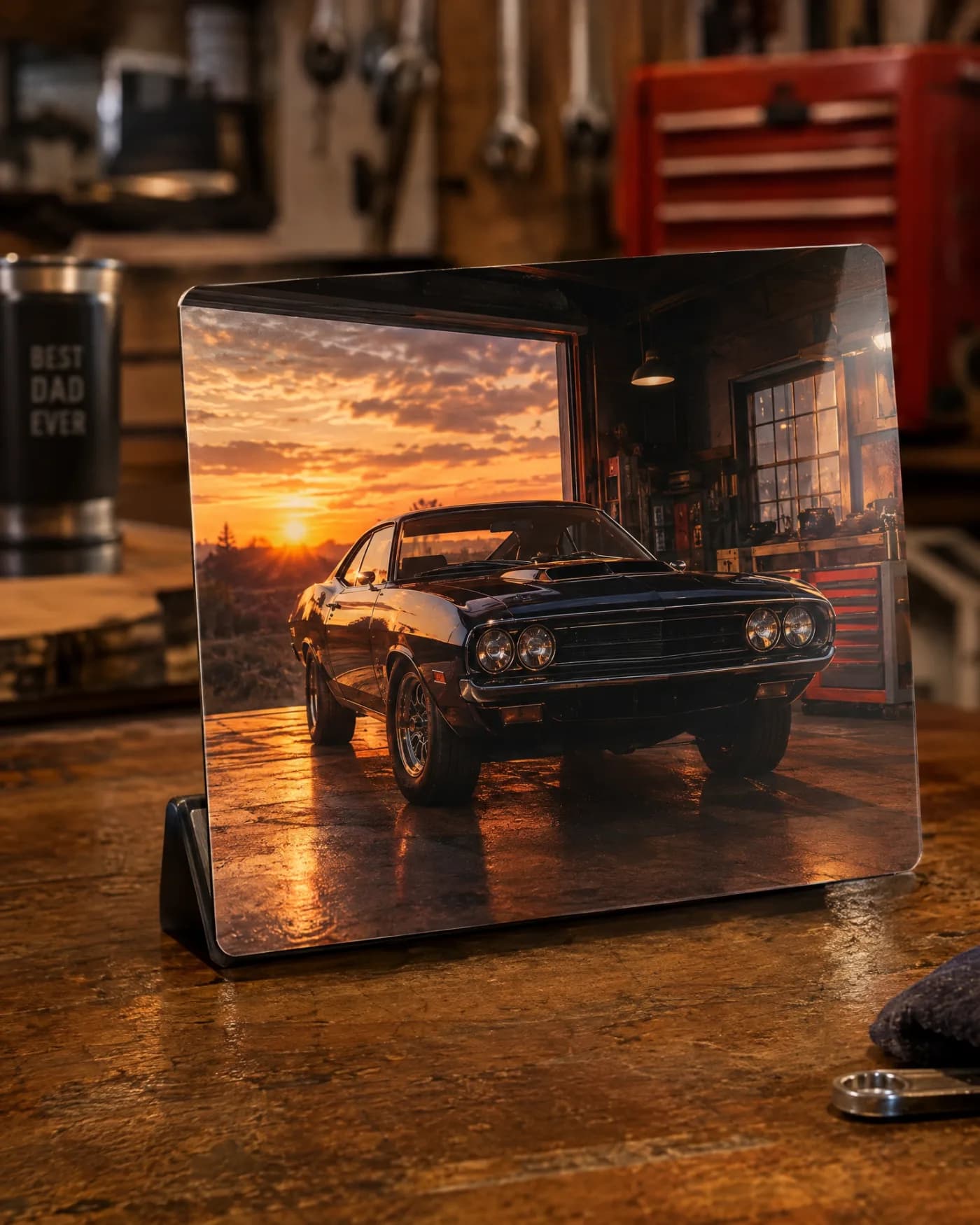
Shoot the car from a low front three-quarter angle in even light, such as an overcast day or just after sunset. Avoid harsh midday sun, which creates strong reflections on paint and glass. A clean background, like an empty lot or a plain wall, makes the car stand out on a novelty plate or a 12×18 metal wall print, where metal brings out deep blacks and vivid paint colour.
Can I use an old or scanned photo?
Yes, as long as the scan is large enough. Scan prints at a high resolution so the file reaches at least 1500 pixels on the long side, and wipe dust off the print and the scanner glass first. Old photos often have faded colour; that is part of their charm on a memorial or family piece. Tell us about the photo in your request and we will check it when we prepare your proof.
How much text should I add to a photo gift?
Less than you think. Each product shows a character limit as you type, for example 10 characters for the main line of a license plate, 16 for an ornament name and 18 for a fridge magnet. A name, a nickname or a date reads clearly; a full quote rarely does on a small piece. Pick a font and colour that contrast with the photo, such as white text over a dark area.
What happens if my photo is not quite right?
Nothing is printed until you approve a proof. After you send a pre-order request, we reply within 48 hours with a proof, a delivery date and a secure payment link. If something looks off, such as a crop, a spelling or a colour, reply and ask for a change before you approve. Personalized items are final sale once made, except for damage or defects, so the proof is your chance to get it exactly right.
Which photos work best for a family or group?
Pick a photo where everyone's face is visible and in focus, with no one blinking or turned away. Group shots need more space, so use them on a 9×12 metal photo panel or a 12×18 wall print rather than a keychain. If the group is large, crop out extra background so the faces are as big as possible. Outdoor photos in open shade, rather than direct sun, avoid squinting and hard shadows.
Should I edit the photo before I upload it?
Light edits are fine; heavy ones are not. Straightening, a gentle crop and a small brightness boost can help. Strong filters, heavy skin smoothing and extreme saturation shift colours in print, especially fur and skin tones. Upload the edited file at full size, not a screenshot of it. If you are unsure, upload the original and describe what you would like in the notes.
Does the material change which photo I should pick?
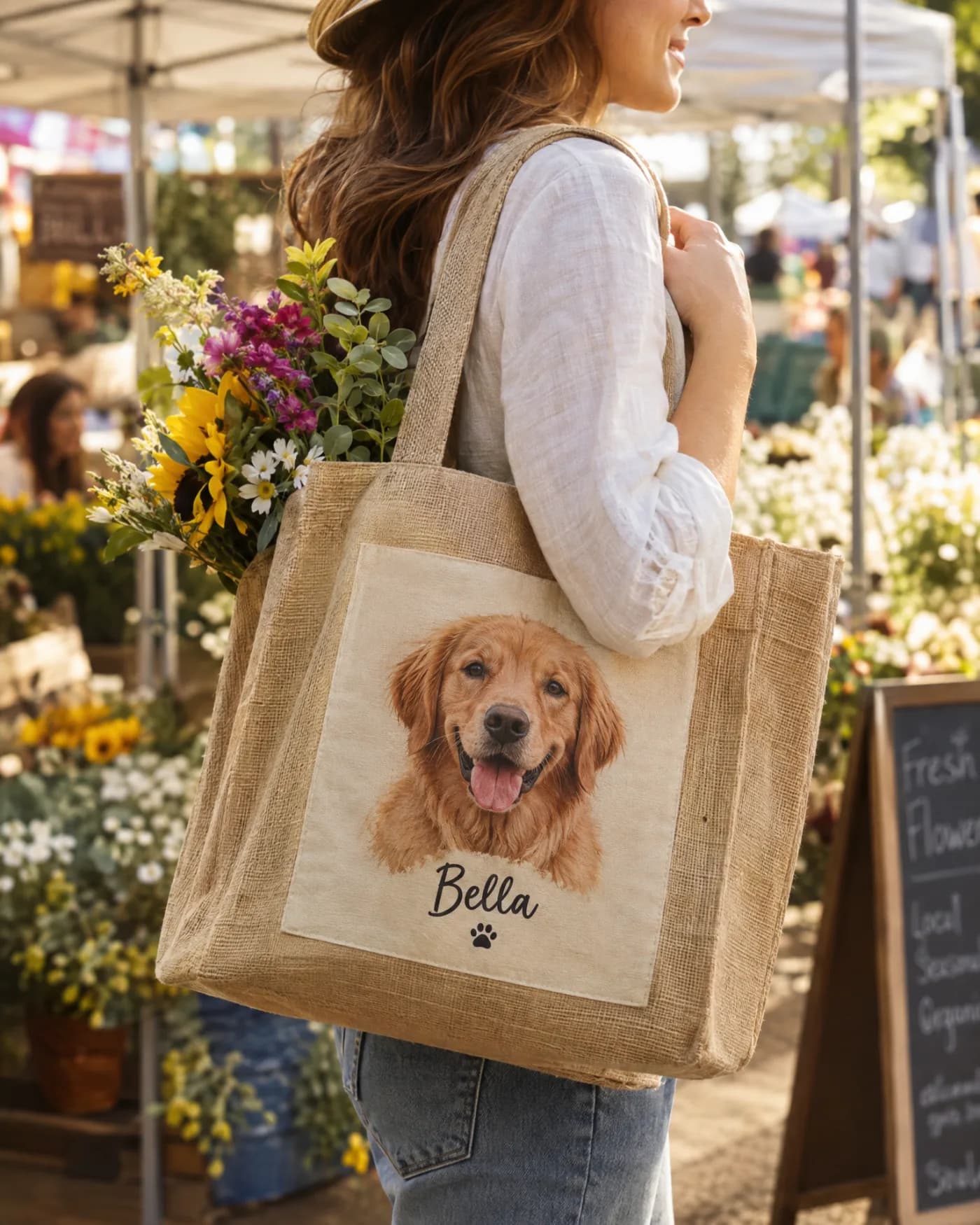
Yes. On gloss metal, bright colours and strong contrast look especially vivid, so sunny, colourful photos and night shots with neon or city lights look striking. On a jute tote, the photo sits on a print panel against the natural golden fibre, so a clear portrait with a simple background reads best from a distance.
What is the quickest photo checklist before I upload?
Run through five checks. One: is the face or subject sharp when you zoom in? Two: was it taken in good light, with no harsh shadows across the face? Three: is the file at least 1500 pixels on the long side, and is it the original rather than a screenshot? Four: does the crop suit the product, close-up for small items and wider for panels and wall prints? Five: is your text short enough to read at the product's size? If the answer is yes to all five, your gift will almost always print well.